 AntiScroll
Break the endless scroll.
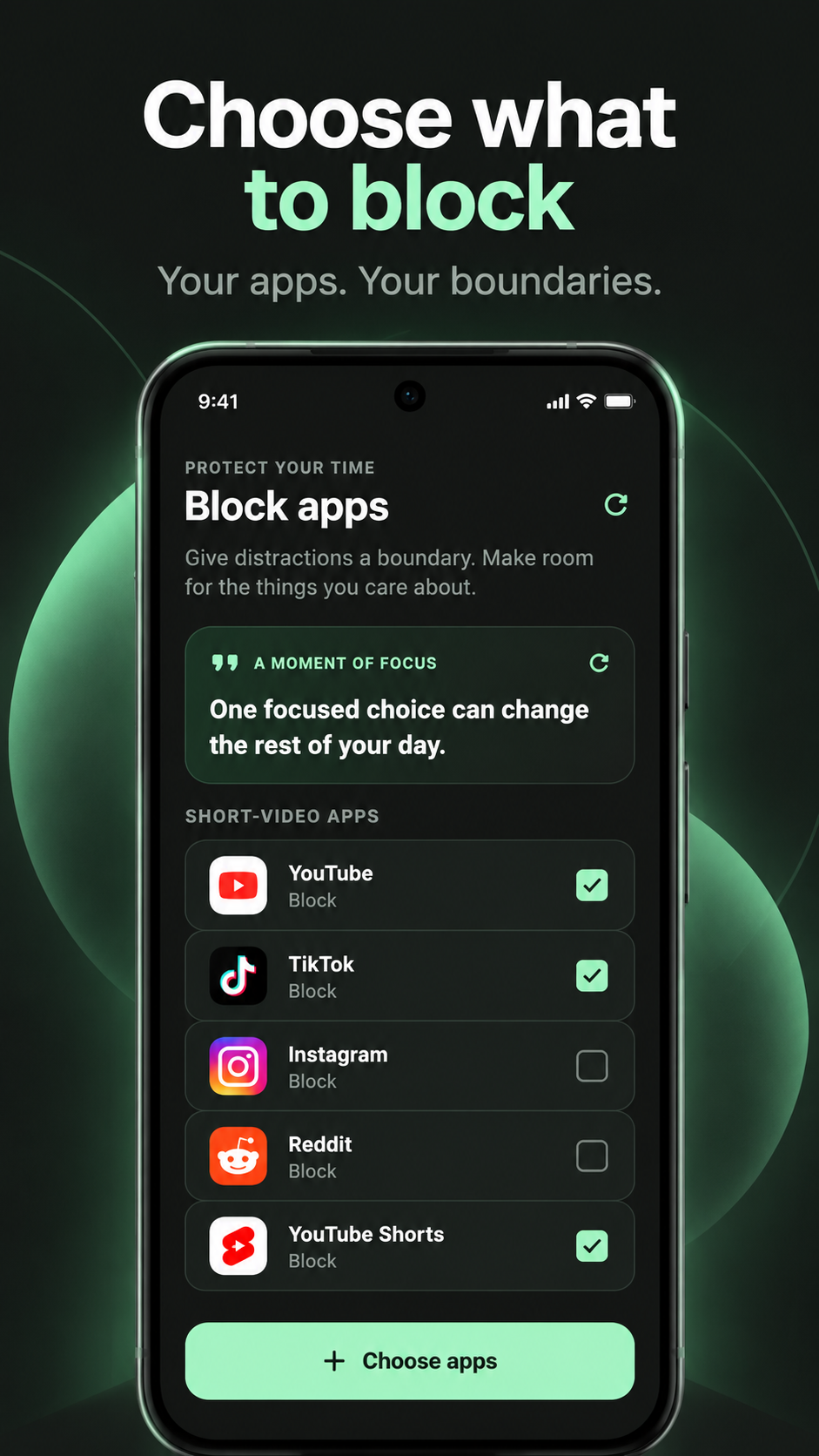
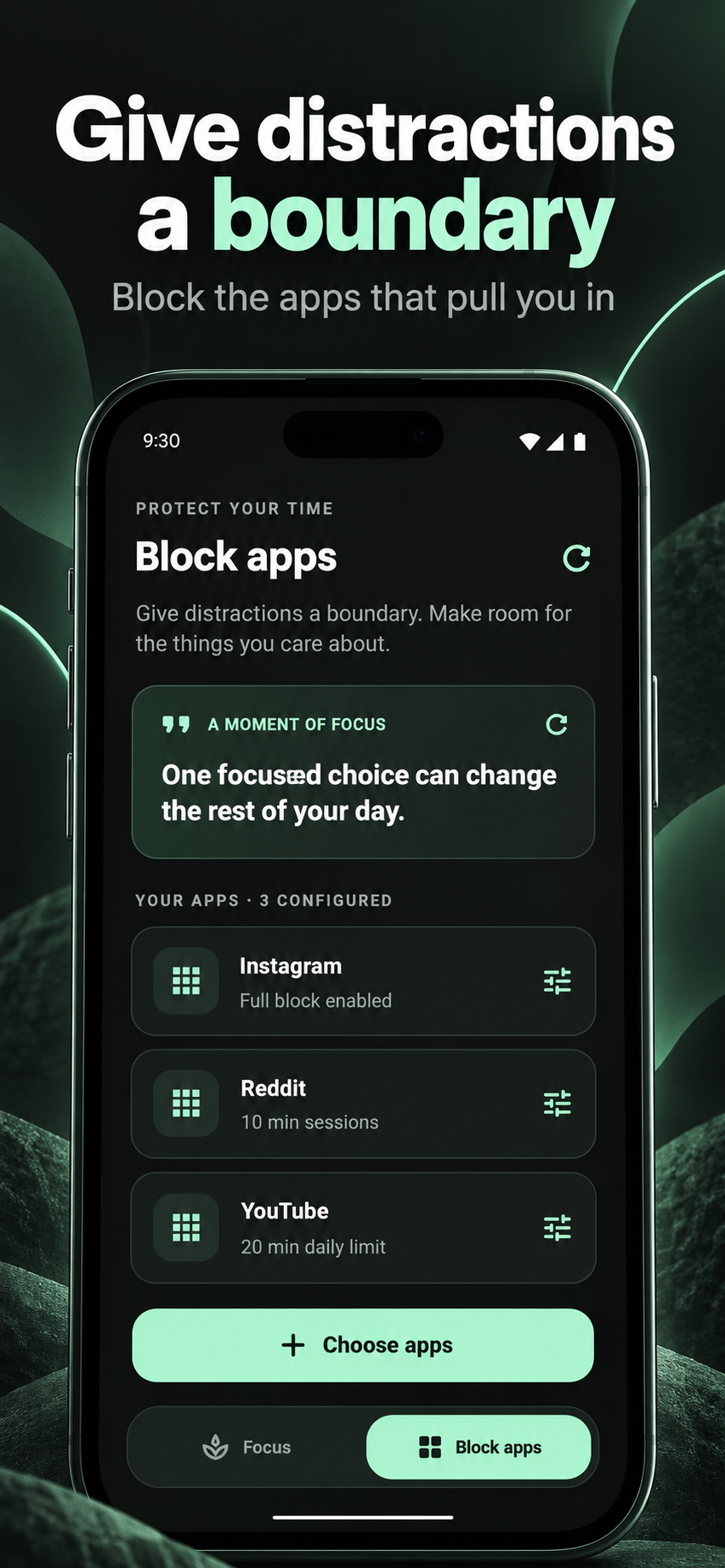
Block short-video feeds across supported apps, or restrict entire apps when you need a clearer head.
LESS SCROLL. MORE LIFE.
Your attention belongs to you. Block distracting Reels, Shorts, and apps. Build a healthier rhythm with your phone.
Made for Android · Ad-free · On-device privacy
01 / YOUR ATTENTION, PROTECTED
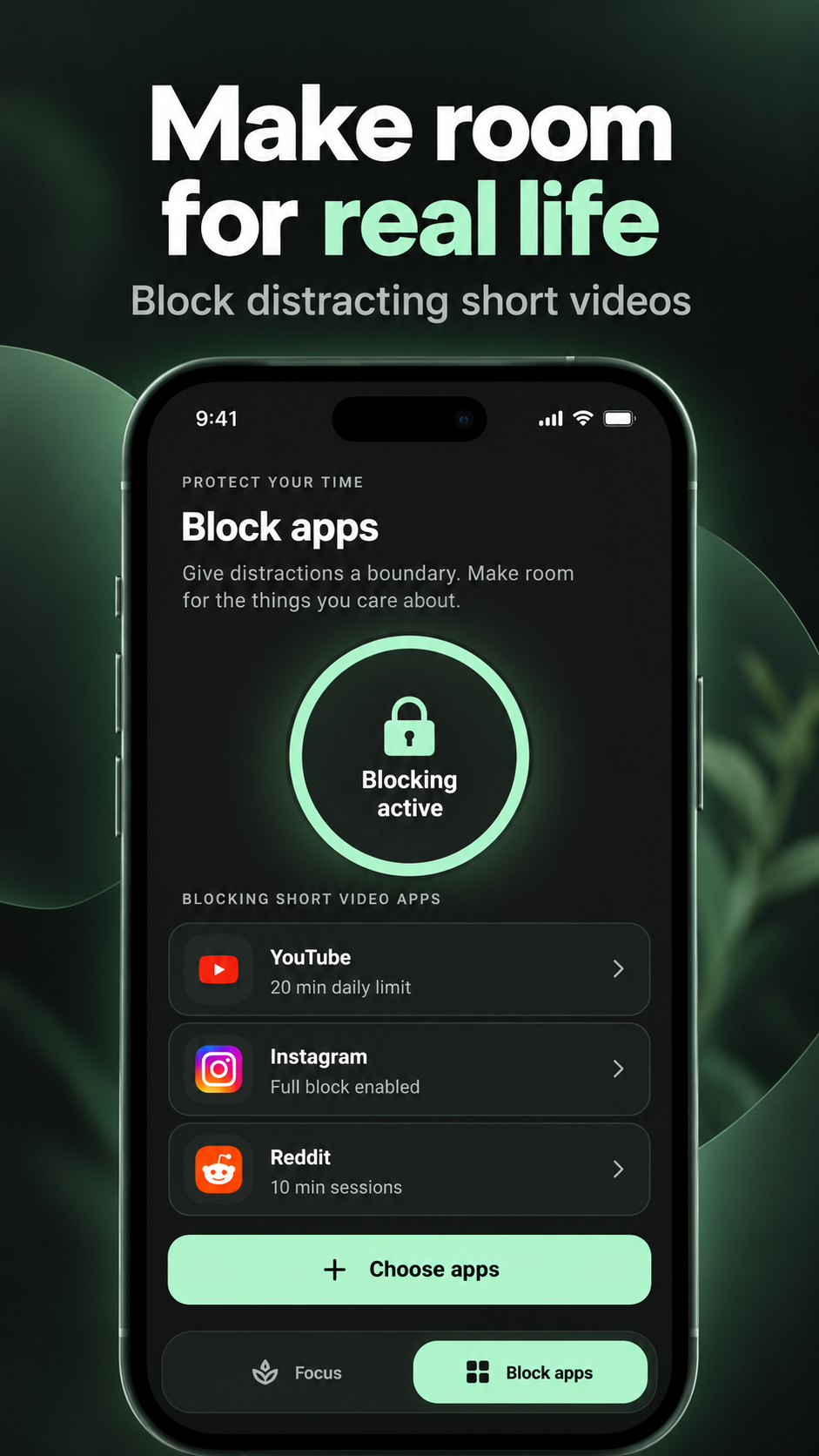
Keep the useful parts of your phone. Put limits around the things that pull you away.
Block short-video feeds across supported apps, or restrict entire apps when you need a clearer head.
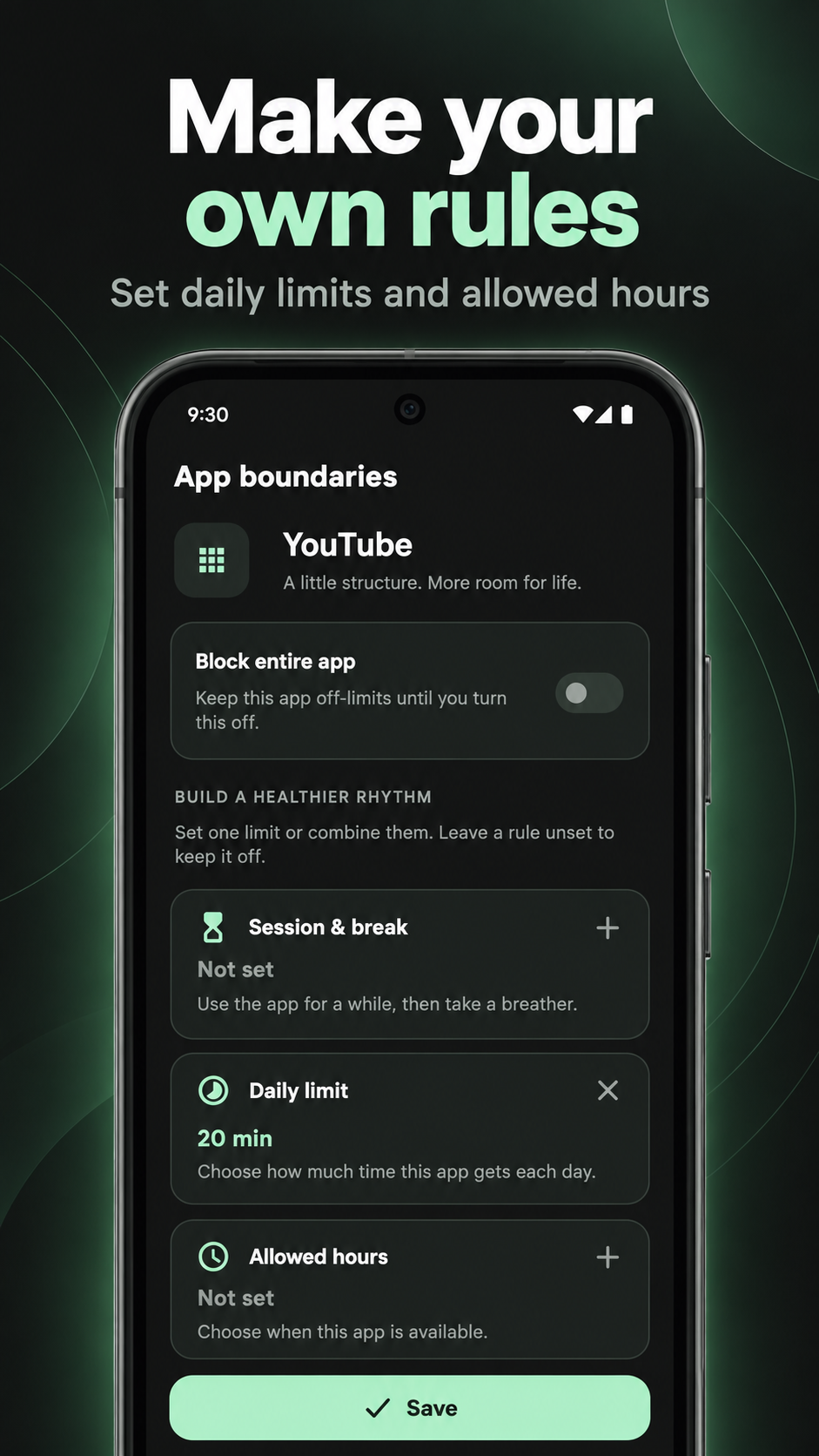
Choose daily limits and allowed hours. Give your apps a place in your day, instead of the whole day.
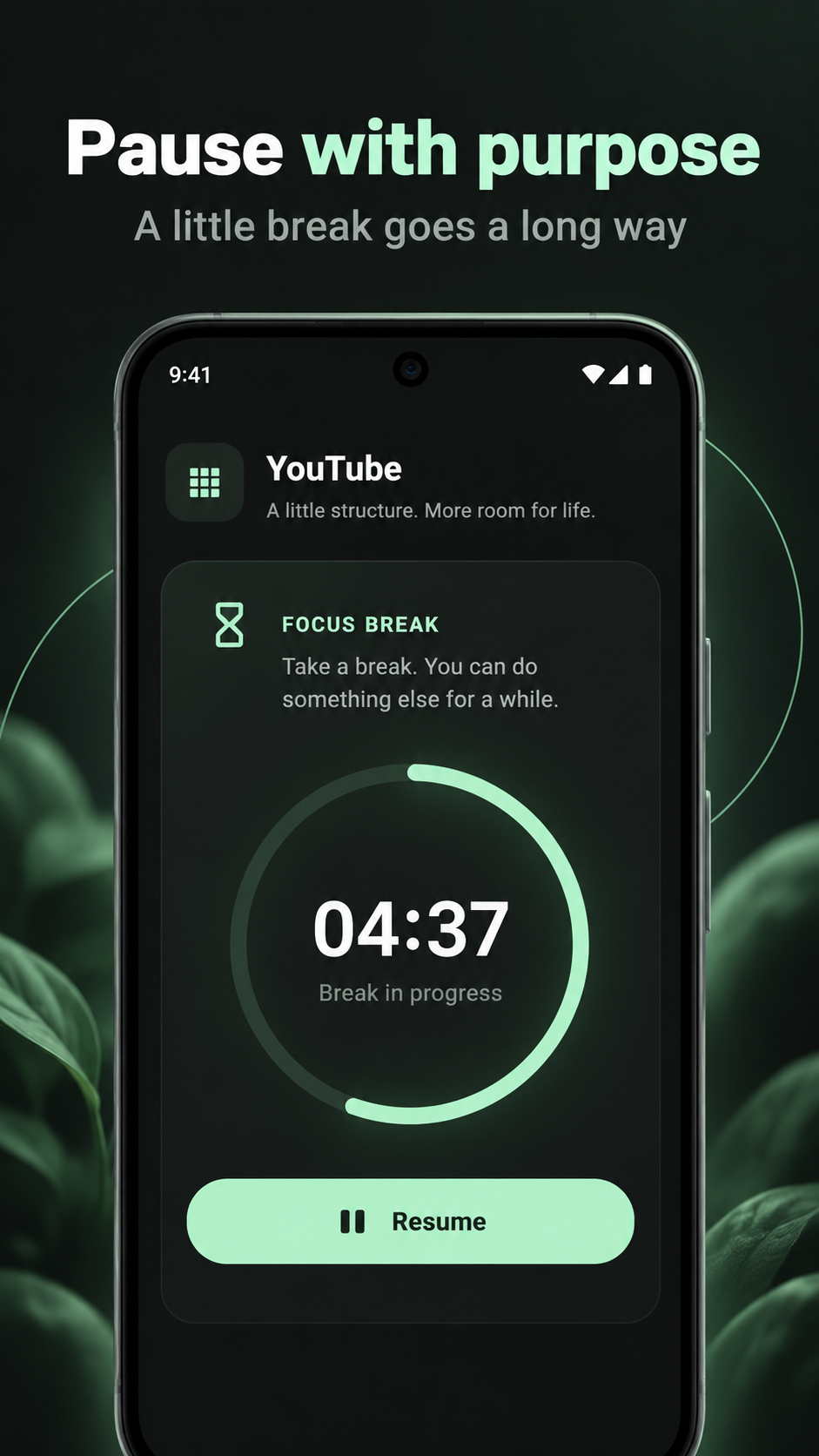
Pair sessions with breaks. Step away for a moment, then come back with intention.
02 / A SMALL RESET
You choose the boundaries.
AntiScroll helps you keep them.
Install AntiScroll and select the distracting apps or short-video feeds you want to block.
Set your limits, allowed hours, or sessions and breaks. Enable Android Accessibility permission during setup.
Let your boundaries do their job while you make space for work, study, or simply being present.
03 / INSIDE ANTISCROLL
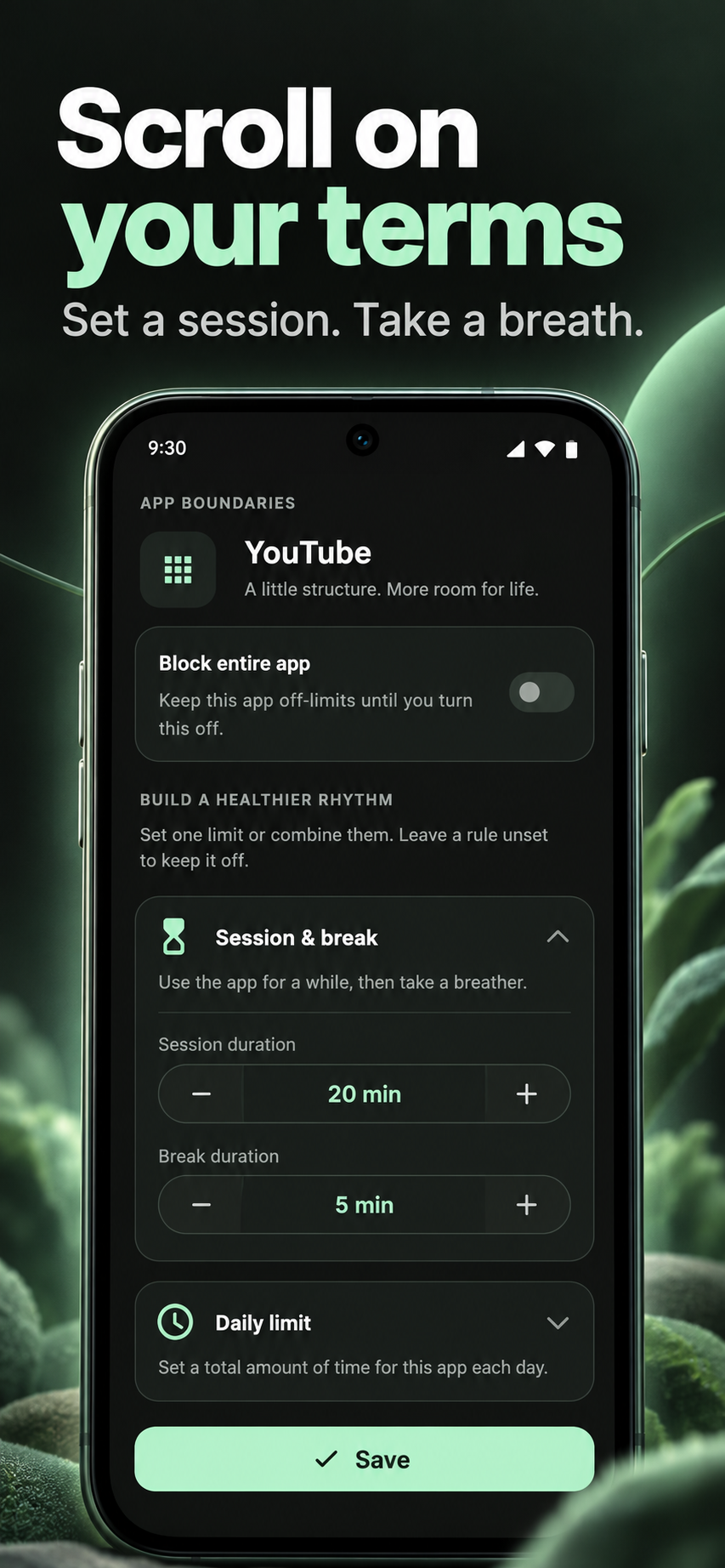
Explore AntiScroll: choose your apps, set your boundaries, and make space for a break.
YOUR FOCUS. YOUR PRIVACY.
The Google Play listing declares no personal data collection or sharing. Blocking happens on your device, with no ads competing for your attention.
Read the privacy policy ↗04 / GOOD TO KNOW
AntiScroll is an Android productivity app that helps you block distracting short-video feeds and apps, set boundaries, and spend less time doomscrolling.
AntiScroll offers Reels and Shorts blocking across supported apps, as well as the option to block entire distracting apps. Check Google Play for the current feature list and device compatibility.
You can create app boundaries with daily limits, allowed hours, and session-and-break periods. Choose the rules that fit your routine.
AntiScroll uses Android Accessibility services to detect and block selected short-video feeds and distracting apps. Enable the permission during setup for blocking to work.
According to its Google Play listing and privacy policy, AntiScroll works on your device, does not collect or share personal data, and has no ads. Read the linked privacy policy for details.
The download linked here is for Android on Google Play. This page does not offer an iOS app.
PUT YOUR PHONE BACK IN ITS PLACE.
Start with one boundary. Make space for what matters.
Download AntiScroll